Treat Prospects
Like Clients
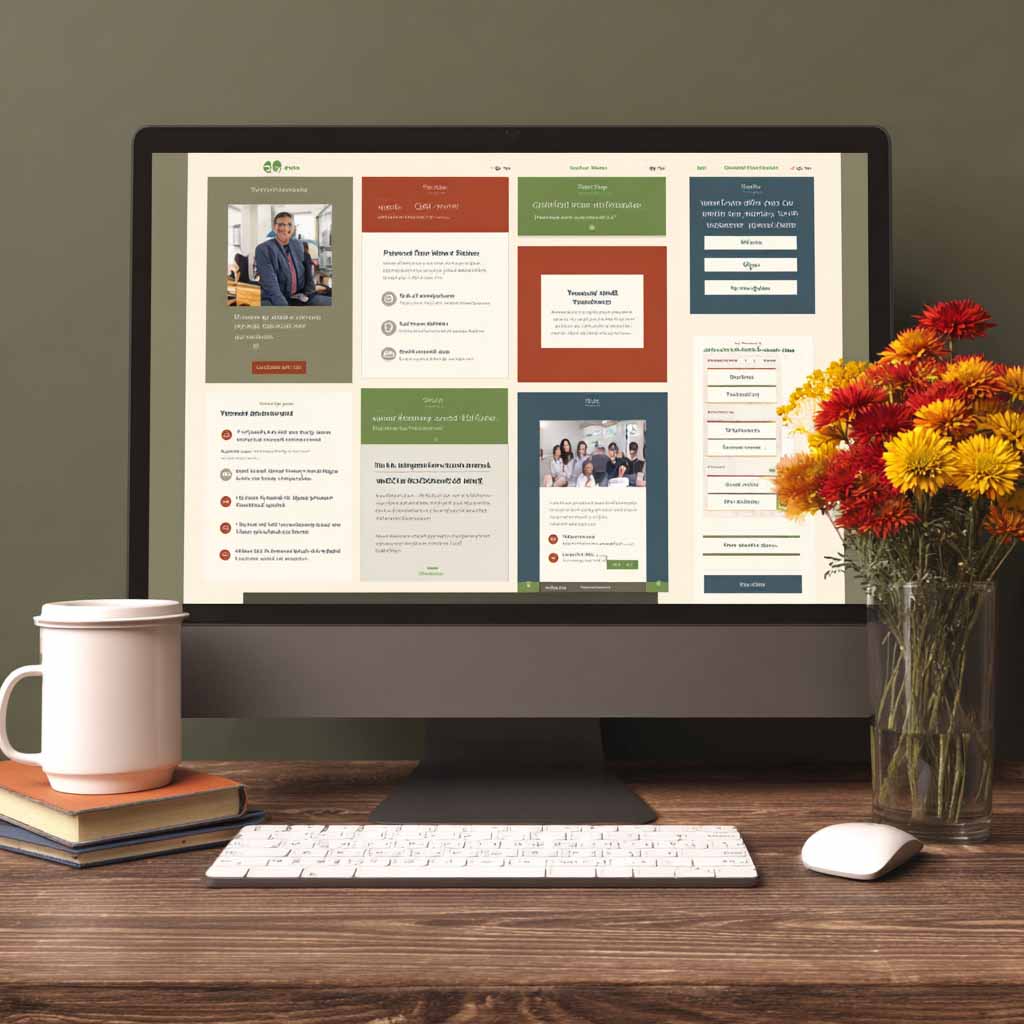
When a prospect clicks your magic link, they arrive at a branded portal that feels like client access — not a landing page or a sales pitch. The AI already knows who they are, what they've discussed, and what they're interested in. They experience what it's like to work with you before they've signed anything.
Magic link authentication. Zero friction. Full conversation context.
Experience Before Commitment
Most outreach ends with a landing page. Yours ends with a client-like environment. The prospect sees your brand, navigates content as if they're already inside your system, and experiences what it's like to be a managed client — all before they've signed anything. By the time they request a call, they've already built a mental model of you as their service provider.
- Branded portal with your identity
- AI that remembers their full conversation
- Knowledge base from your reference docs
- Service explorer from your company profile
- Action points that trigger natural conversion
What the Prospect Sees
Four capabilities that create a client-like experience
AI Chat With Full Context
The prospect continues their conversation with the same AI that's been engaging them across SMS and email. Full history preserved. The AI knows who they are, what they've discussed, and what they're interested in.
- Same AI, same conversation thread
- Full history from SMS and email
- Richer responses than SMS allows
- Powered by your company profile and voice
Knowledge Base Access
Curated articles, FAQs, and resources relevant to what the prospect has expressed interest in. Content drawn from your reference documents and campaign materials.
- Personalized to their interests
- Populated from your reference docs
- Articles, FAQs, and guides
- Positions you as the expert
Service Explorer
Interactive information about your MSP's services, populated directly from your company profile. The prospect can browse what you offer and ask questions about anything.
- Built from your company profile
- Interactive — they ask, AI answers
- Industry-specific context
- Detailed without being overwhelming
Action Points
Functional elements that simulate the client experience — submitting a support request, requesting an assessment, scheduling a call. These serve as natural conversion triggers.
- Submit a support request
- Request an assessment
- Schedule a call
- Ask for a proposal or quote
Magic Link Authentication
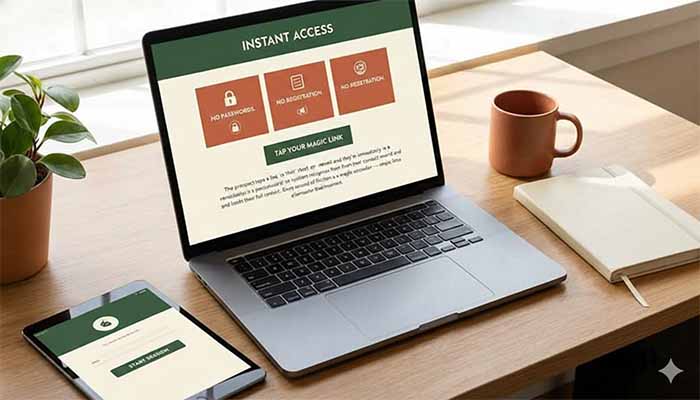
No passwords. No registration forms. No account creation. The prospect taps a link in their text or email and they're immediately in a personalized session. The system recognizes them from their contact record and loads their full context. Every second of friction is a moment they might reconsider — magic links eliminate that moment.
- One-click access from SMS or email
- Unique time-limited tokenized URLs
- No password creation or resets
- Session automatically expires for security
- System recognizes them instantly
How Conversion Naturally Unfolds
The portal creates the conditions for yes
Prospect Arrives
They click the magic link and see your branded portal. They're greeted by name, and the AI remembers your entire conversation history.
They Explore
They browse the knowledge base about a service they mentioned interest in. They read about your process. They explore your service catalog.
They Take Action
They click 'Request Assessment' or 'Schedule a Call' or 'Ask for a Proposal.' Now they've taken a self-directed step toward becoming a client.
The Handoff Happens
When they request something or try to access a client-level feature, the AI naturally pivots: 'I'd love to help with that. That's something we handle for managed clients. Let me connect you with your team for a quick call.'
Why Portal Handoff Wins
The portal is your best channel for the human handoff
Visible transition
- Tone suddenly changes from AI to human
- Response times shift noticeably
- Prospect realizes something changed
- Momentum breaks during the transition
- Context scattered across channels
Seamless transition
- Human joins a chat — completely normal web behavior
- No tone shift is noticeable
- Response is immediate (human joins live)
- Happens at the moment of peak engagement
- Full context visible to your team
White-Label Experience
It's their brand. It's their portal. Prospects see your identity everywhere.
Your Colors, Your Logo
Every element of the portal displays your brand. Navigation, buttons, accent colors — it's all customizable to match your look and feel.
Your Messaging
Portal copy, welcome messages, and AI tone are all shaped by your voice profile. It sounds like you, not like a generic third-party tool.
Your Knowledge
The knowledge base pulls from your content and company profile. Prospects see your resources, your processes, your services.
Getting the Portal Live
Setup in under an hour. AI context syncs automatically.
Customize Your Brand
Upload your logo, select your colors, configure your domain. Takes 10 minutes. The portal instantly reflects your brand identity.
Configure Portal Content
Set up which resources and services appear. Define your knowledge base. Configure your action points and conversion triggers.
Send Magic Links
When a prospect is ready, the system generates a unique magic link. Send it via SMS or email. They click it and they're in — no passwords, no registration.
Monitor and Close
Track which prospects visited, what they explored, what actions they took. When they're engaged, join the chat and close the deal.
Transform How Prospects Experience Your MSP
The web portal turns outreach into relationship. Prospects preview what it's like to work with you, engage with your AI across all channels, and naturally take the steps toward becoming a client — all in your brand.
Portal included in Professional and Enterprise plans.